

YES OR NO01/4
Question 1
Handcuffs, the fuzzy kind?
You plan the date and send one private link. They answer from any browser. Then you connect as a pair to play questions, collect points and keep every date together.
Date invitations
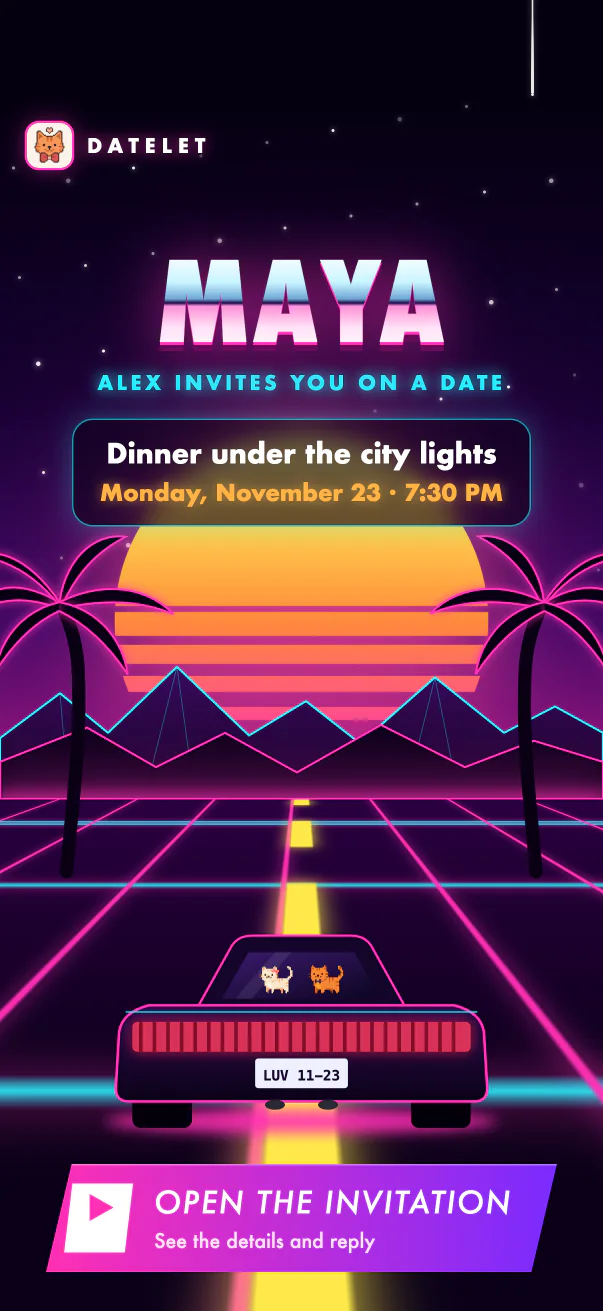
No download, no sign-up, no thread to scroll back through. One private link opens an invitation made for them, on any phone.
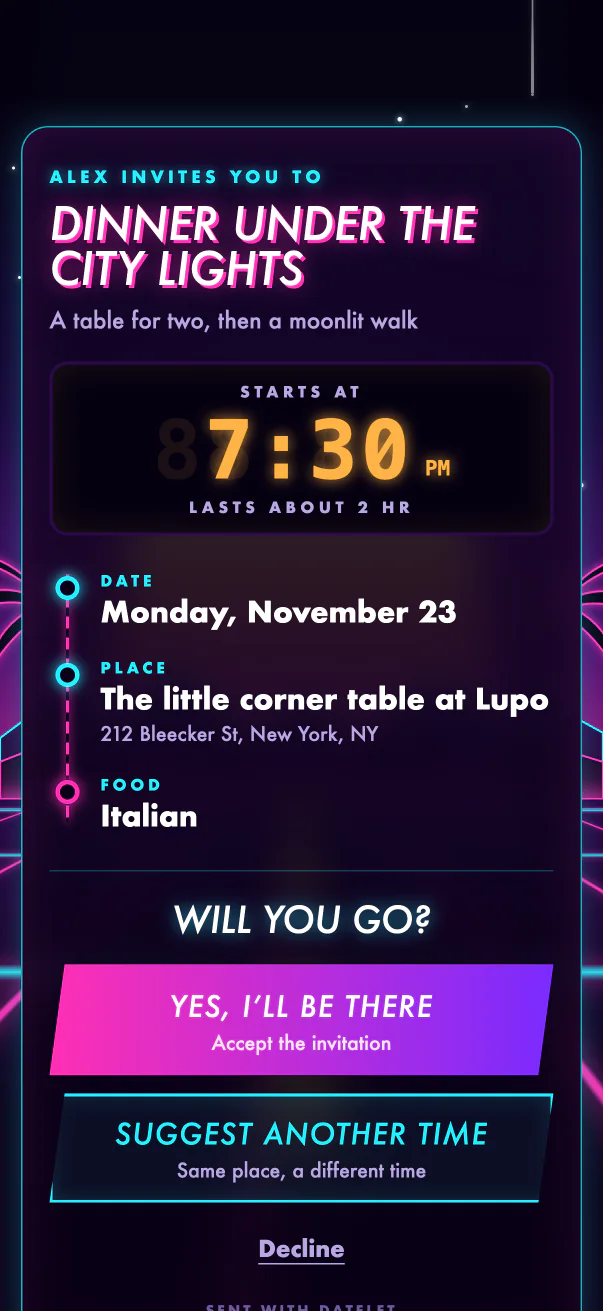
The place, the time, the plan: set inside a theme that sounds like the two of you. A cinema ticket, a neon city, a tarot card.
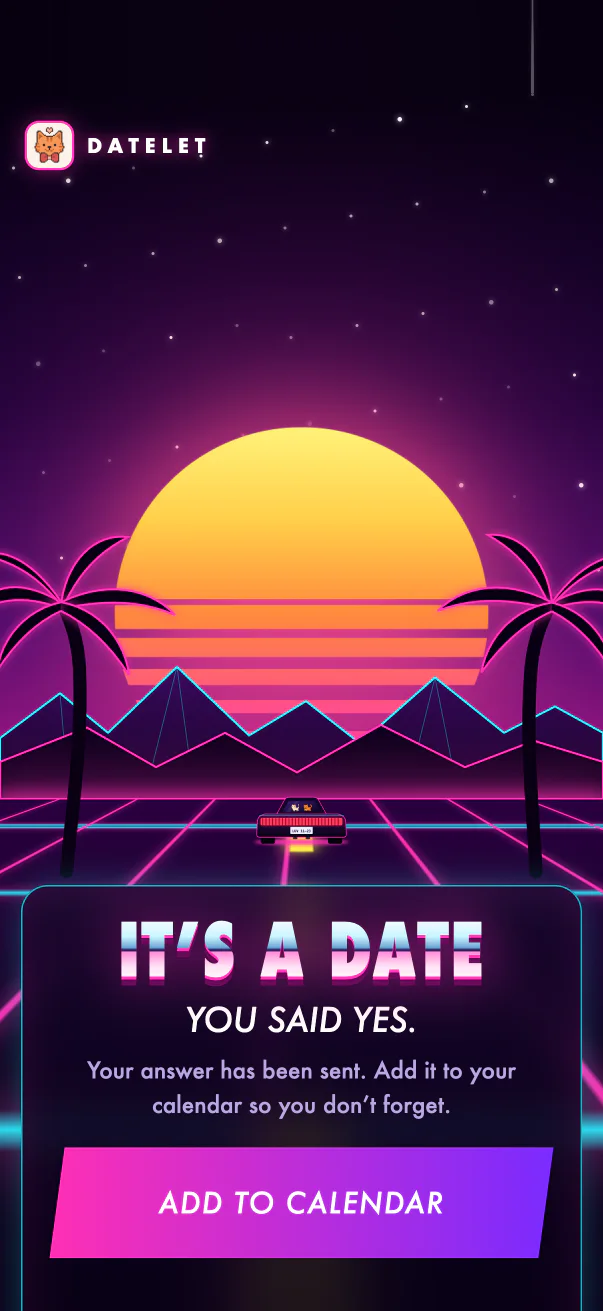
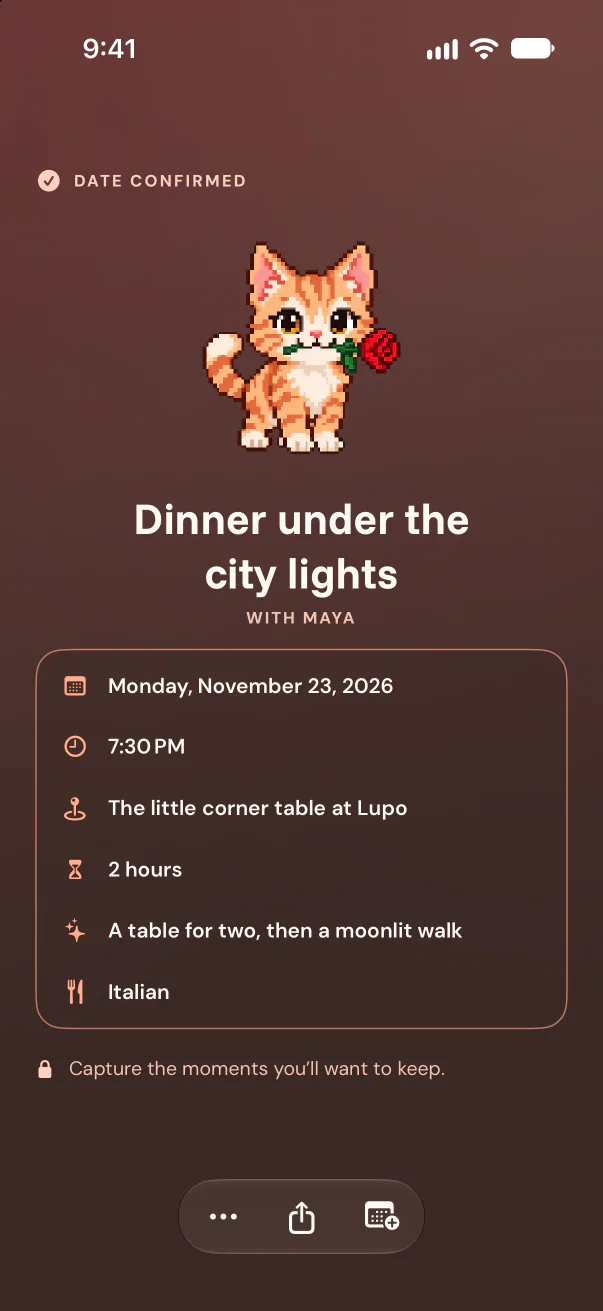
They can accept, decline, or suggest one new date and time. You get notified the moment they do.
Confirmed dates live on your shared Home and calendar, ready for photos afterwards. And +2 points for saying yes.
In the app
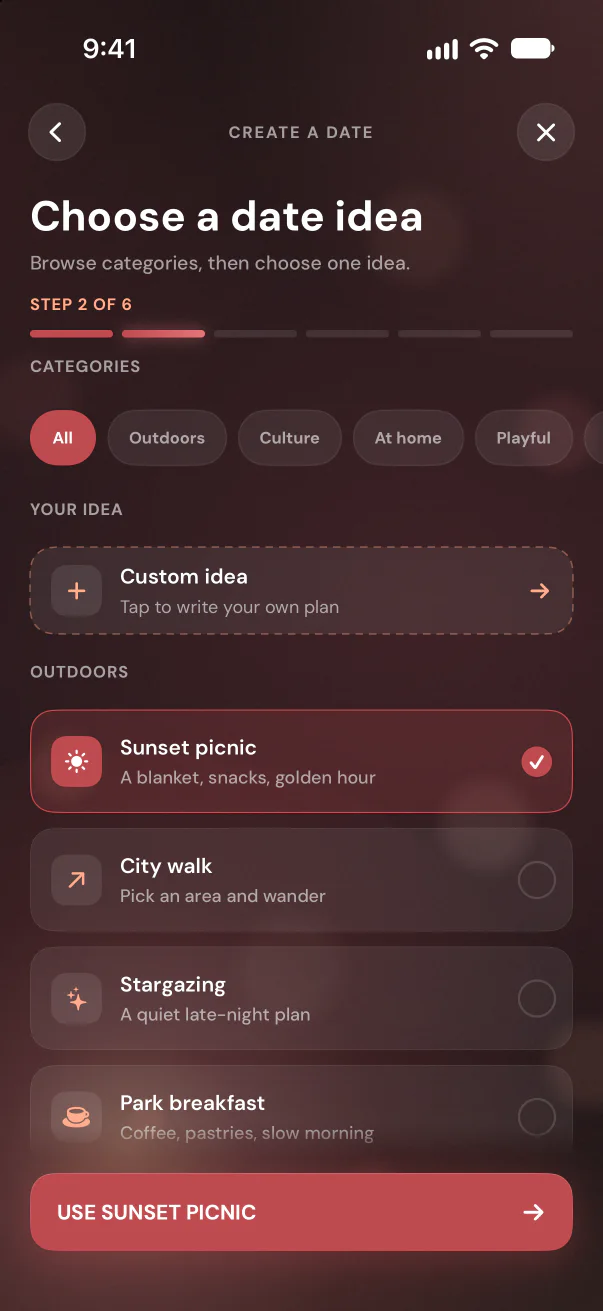
Browse date ideas or write your own.
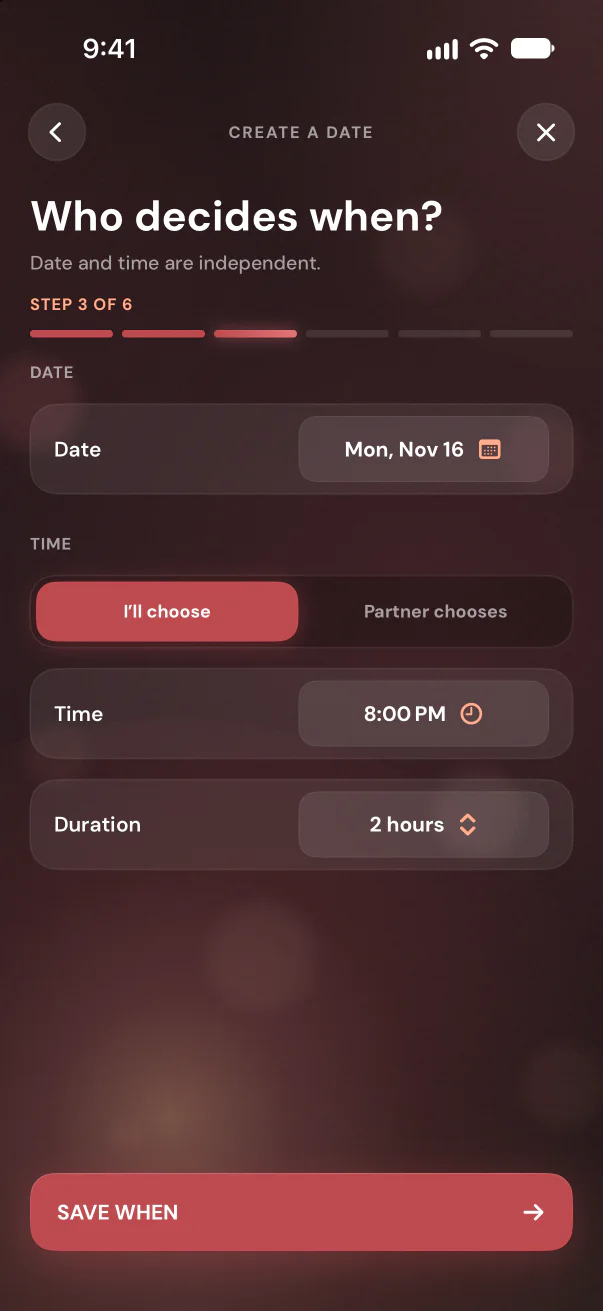
Place, time, food. Leave a choice open for them.
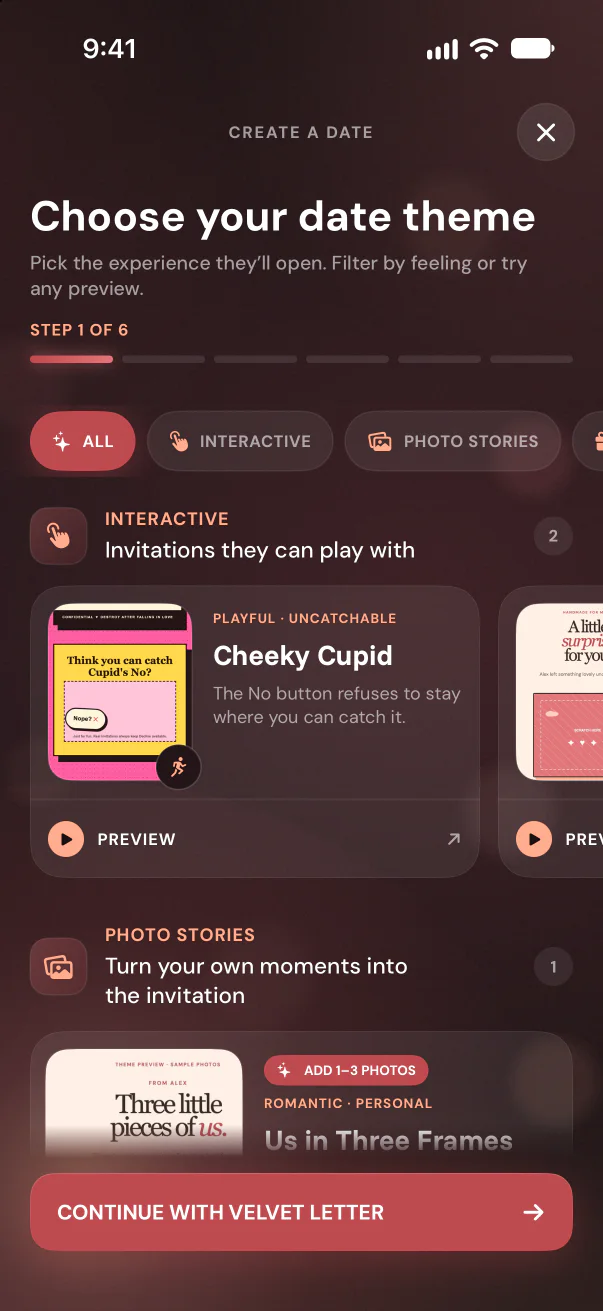
Choose a theme, then share it anywhere: iMessage, WhatsApp, a note.
Discuss · questions for couples
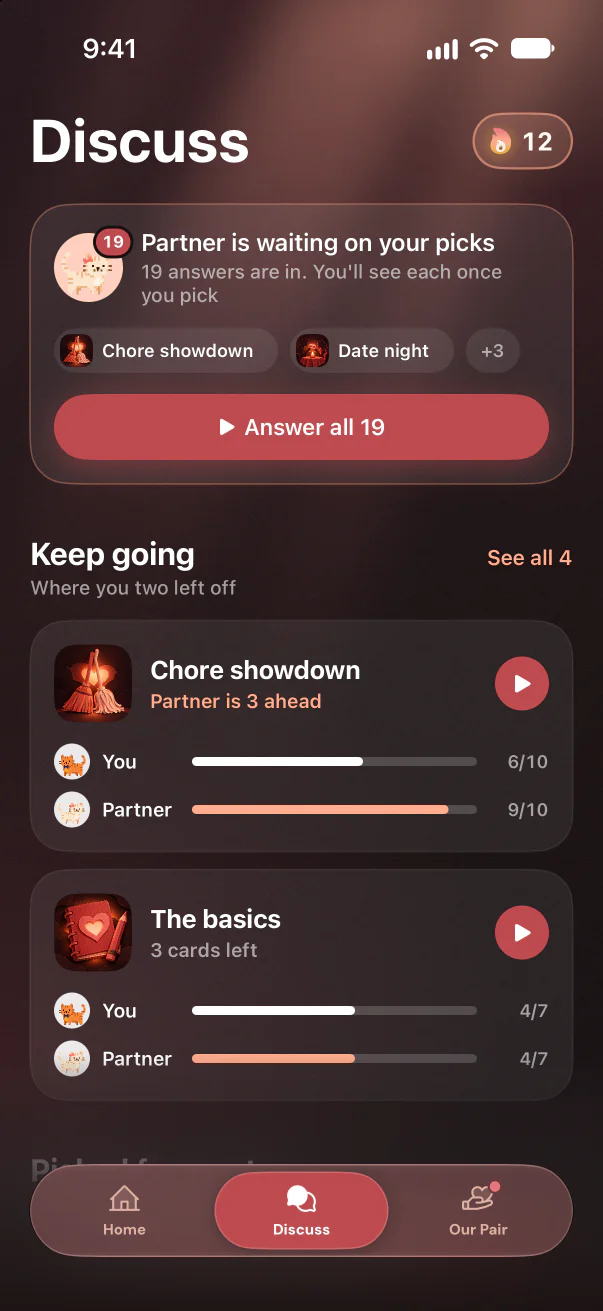
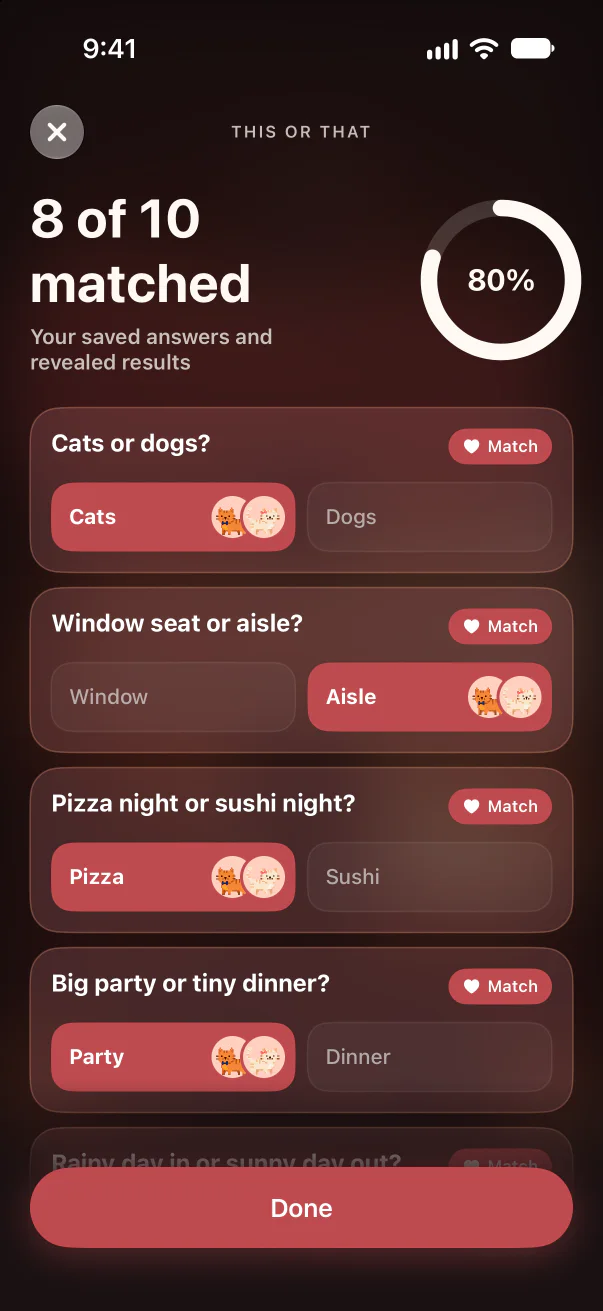
Question cards for two, from Petty court and Hot takes to money, conflict, the future and a cheeky 18+ side for after dark. You each answer on your own phone. Then you see each other's picks: where you match, and what is worth talking about.
Just between you two. Once you have both answered a card, you each see the other's pick. Every card works the same way, Yes or No included.
Explore all questions for couplesPoints & daily streak
Every plan, every yes, every answered card and every love note adds to your shared score. Answer one question a day to keep your streak and earn a daily bonus of up to +3. Nothing to spend, nothing to lose: just a little proof you keep showing up.
Love notes
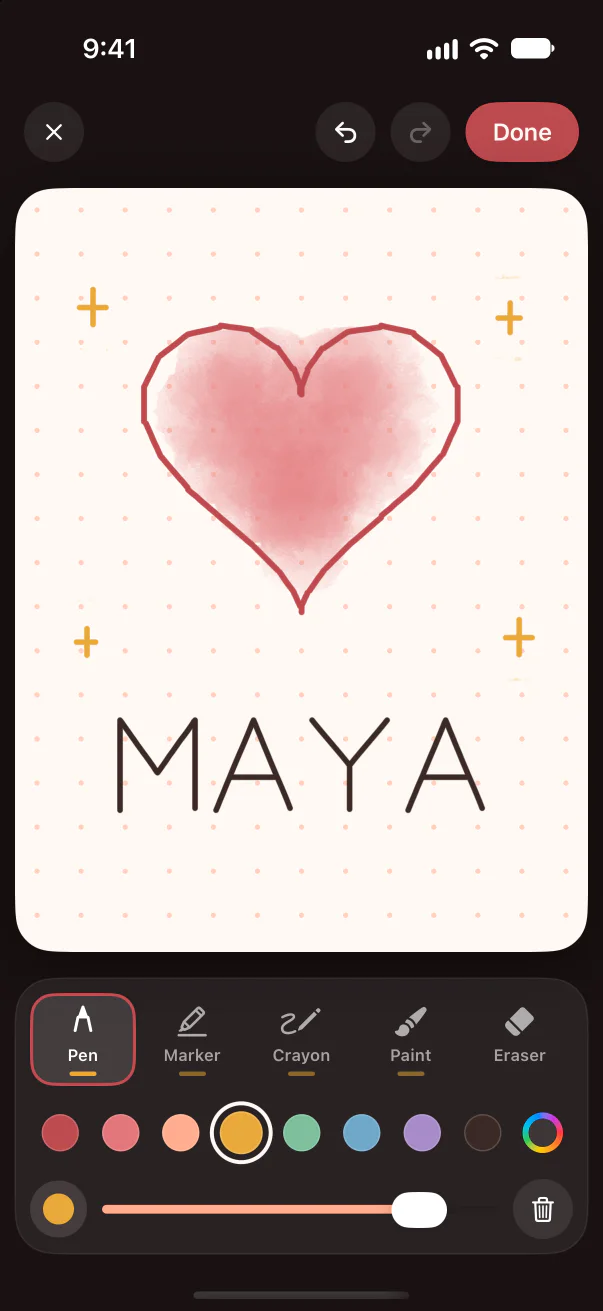
Draw it with your finger or write it in a few words. It arrives as a sealed envelope they tap to open, shows on their widget at once and stays in your love notes album for good.
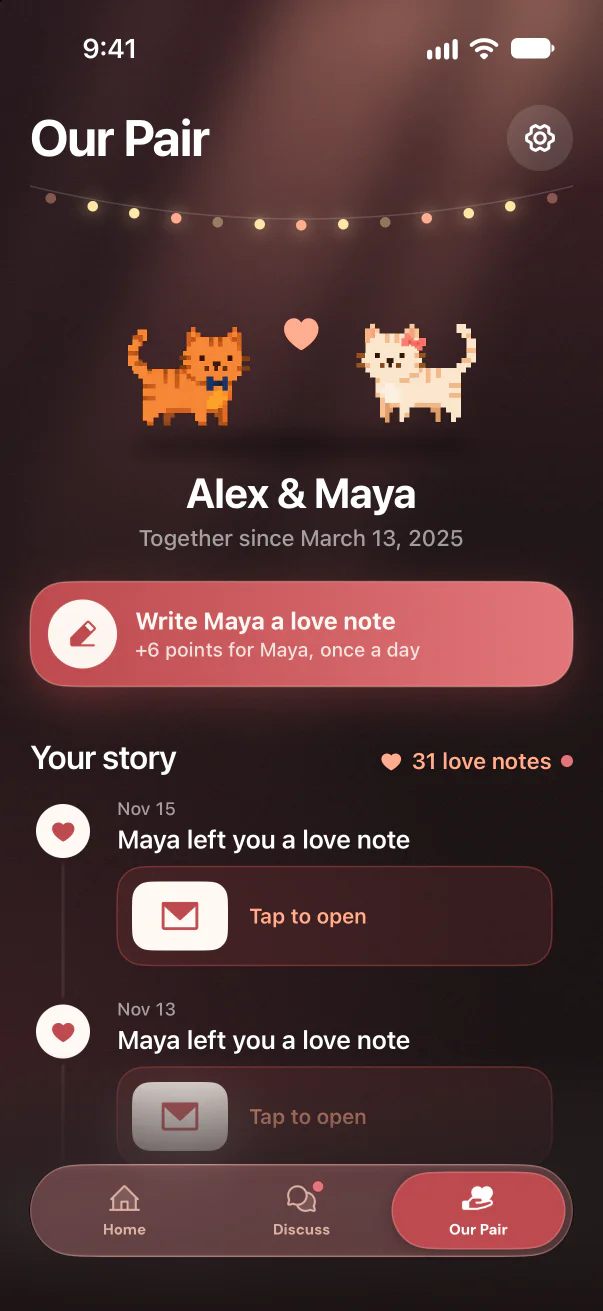
Maya sent you a note
Tap to open
Who does what
The creator uses the iPhone app. The person invited only needs the link. A connected pair shares everything else.
Sign in with your email and a one-time code, choose or write the idea, add what you know, pick a theme and share the link.
Open the link in a mobile browser. No Datelet account is needed to view the invitation or answer it.
Accept, decline, or suggest one new date and time. The creator reviews it in Datelet and confirmed dates land on Home.
Invite your partner into Datelet to share Home, the calendar, Discuss, points and Premium Pair.
Each of you answers question cards on your own phone. Once you have both answered a card, you see each other's picks, Yes or No cards included.
Passwordless sign-in protects your account. Invitation links are unlisted, and you can delete your account in Settings.
Good to know
No. They open the private invitation link in any mobile browser and accept, decline, or suggest a new date and time without installing Datelet or creating an account.
Invitation links are unlisted: anyone who has the link can view it and respond, so share it only with the person you are inviting. An unanswered invitation generally expires after 24 hours.
Yes, once they have answered the same card. You each answer on your own iPhone, then see each other's picks: where you matched and where you picked differently. Every card works the same way, a no in Yes or No cards included.
You earn points for the little things: planning a date (+6), accepting one (+2), answering a card (+1) and sending your partner a love note (+6, once a day). Answer at least one question a day to keep your daily streak and earn a bonus: +1 on days 1 and 2, +2 on days 3 to 5 and +3 from day 6. Points never go down and there is nothing to spend.
A little note for your partner, drawn with your finger or written in up to 90 characters. It arrives as a sealed envelope they tap to open, shows on their Datelet widget at once, and every note stays in your shared album. Sending one gives your partner +6 points, once a day.
Yes. Datelet is free to download. A free pair can create four date invitations per calendar month and play hundreds of question cards. Premium Pair adds unlimited invitations, every Discuss topic and Premium heroes.
No. Premium Pair is shared: when either of you subscribes, both of you get unlimited invitations, every Discuss topic and Premium heroes.
The app, including every Discuss question card, is available in English, German, Spanish, French, Italian and Dutch.
The Datelet app is for iPhone (iOS 18 or later). The person you invite can still answer a date invitation from any phone's browser.
Plan the date. Play the questions. Free on iPhone.